

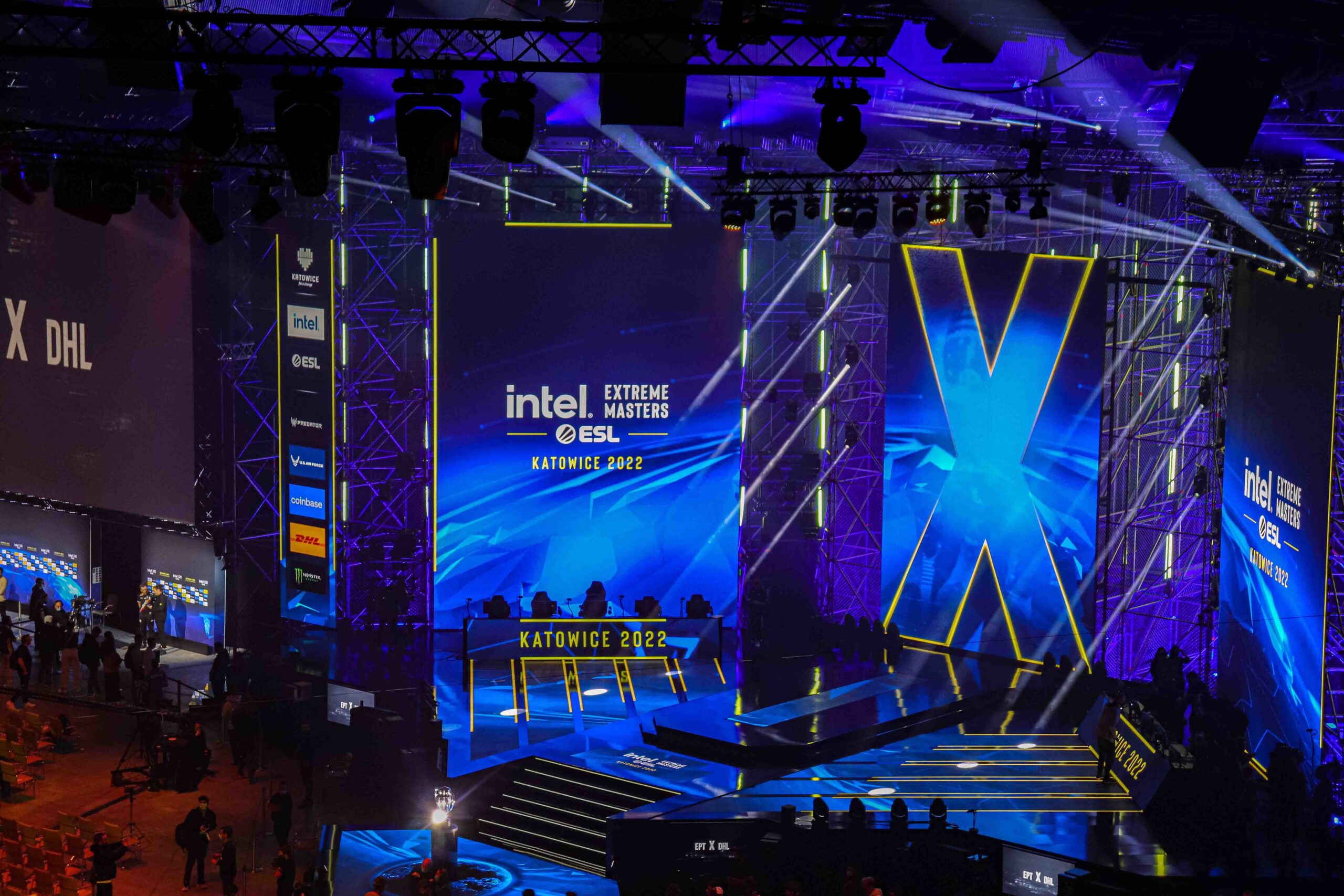
Catching major championship matches live offers an incredible rush for competitive gaming fans worldwide. Digital streaming services broadcast major final matches directly to your screens in high-definition quality.
Fans can easily follow every dramatic round live alongside millions of simultaneous online spectators. However, technical issues like buffering or sudden schedule shifts can ruin your live viewing session. Knowing how to navigate digital broadcasts guarantees you never miss crucial match updates.
Selecting reliable digital stream platforms helps fans enjoy smooth playback during long tournament broadcasts. Official broadcasting partners deliver high frame rates with dedicated multi-language commentary channels.
Preparing your home viewing environment prevents annoying technical glitches right during peak championship moments.
Selecting Premium Live Broadcast Streaming Platforms

Finding reliable official streaming platforms ensures maximum video resolution during live championship match broadcasts.
Primary streaming services offer direct interactive elements like real-time fan chats and instant replay features. Selecting top streaming channels gives viewers consistent video playback speeds throughout long weekend broadcasts.
Stream platforms continuously upgrade back-end infrastructure to accommodate millions of concurrent international viewers.
High server bandwidth minimizes video buffering risks even during maximum traffic surges. Reliable streaming services maintain stable frame rates for clear tracking during fast action sequences.
Navigating multiple streaming options helps viewers discover unique commentary styles and customized viewer layouts.
Spectators can choose between primary official broadcasts or relaxed creator co-streams. Exploring alternate platforms ensures immediate backup viewing options if one channel faces sudden outages.
A. Twitch Dedicated Channels
Twitch hosts primary official broadcasts featuring live chat interactions and real-time channel point rewards. Spectators receive automatic mobile push alerts whenever major tournament stages go live online.
B. YouTube Gaming High Bitrate Streams
YouTube delivers high-bitrate video feeds allowing live stream pausing and instant play scrubbing capabilities. Fans can easily rewind live coverage to analyze key tactical team fights carefully.
C. Mobile Interactive Broadcast Apps
Mobile streaming applications give fans complete freedom to watch finals while traveling anywhere outdoors. Optimized mobile interfaces save data bandwidth while retaining clear visual gameplay details.
Managing Multi-Stream Feeds and Alternate View Angles
Multi-view technology allows passionate gaming fans to track secondary streams alongside the main broadcast.
Watching player-perspective feeds gives dedicated spectators deeper tactical insight into advanced pro techniques. Managing custom multi-stream windows transforms standard watching routines into interactive analysis sessions.
Primary tournament streams generally focus on broad overhead views during high-stakes competitive play.
Secondary streams provide targeted camera views focusing strictly on individual star player mechanics. Setting up side-by-side feeds lets viewers witness clutch moments from multiple operational perspectives.
Balancing audio streams requires careful volume management across active browser tabs or dedicated application windows.
Keeping primary caster audio active while muting secondary streams prevents distracting sound clutter. Using customized grid layouts lets you track scoreboard stats without losing main stage focus.
A. Primary Match Commentary Audio
Keep the main official casting stream unmuted for detailed match narrative context and crowd noise. Professional commentators break down complex game strategies so viewers grasp subtle play moves.
B. Player POV Video Feeds
Mute secondary POV feeds while displaying them adjacent to your main broadcast window. This arrangement allows tracking crosshair precision and inventory choices in real-time setups.
C. Co-Stream Community Commentary
Popular content creators host co-streams that offer informal breakdown perspectives during high-stakes games. These alternative broadcasts focus heavily on entertainment value while discussing professional team choices.
Optimizing Network Connections and Device Hardware
Optimizing home network setups prevents annoying stream stutters right when critical rounds conclude. Using physical ethernet cables provides stable data speeds compared to standard wireless router connections.
Proper network configuration guarantees uninterrupted high-definition video feeds throughout lengthy international championships.
Bandwidth competition inside busy households often causes sudden video drops or quality degradation. Disconnecting background smart devices frees up network capacity for high-bitrate live video streams. Adjusting stream resolution options matches incoming video demand directly to current internet limits.
Updating web browser applications and graphics drivers prevents unexpected memory leaks during long broadcasts.
Clearing temporary browser cache files ensures smooth playback performance across demanding interactive streaming web pages. Closing unused background apps frees system RAM to handle multiple high-res video streams.
A. Wired Network Ethernet Connections
Connect your main viewing hardware directly to home routers using high-speed ethernet cabling. Physical connections eliminate signal interference to deliver steady low-latency video streaming performance.
B. Quality Auto Scaling Settings
Set stream resolution to match your current network speed capabilities automatically. Lowering resolution slightly prevents stream freezes during sudden house-wide data usage spikes.
C. Hardware Acceleration Controls
Enable GPU hardware acceleration options inside web browser settings to process video data faster. Dedicated graphics chips handle heavy video rendering seamlessly to keep desktop performance optimal.
Troubleshooting Common Live Stream Performance Issues
Sudden stream crashes or audio delays can ruin crucial grand final championship moments. Knowing fast troubleshooting steps helps viewers resolve playback glitches without missing major plays. Quick technical fixes keep digital stream feeds running cleanly throughout high-stakes matches.
If video streams freeze unexpectedly, refreshing the broadcast page usually restores live playback quickly.
Switching to secondary official mirror channels provides immediate workarounds during unexpected primary platform outages. Maintaining alternative stream bookmarked links saves critical time when technical problems arise live.
Audio desynchronization issues occasionally occur during lengthy live continuous tournament streaming events. Toggling stream quality settings back and forth forces video players to re-sync audio tracks.
Clearing temporary cookies resolves persistent loading wheel glitches on primary web streaming platforms.
A. Quick Page Refresh Shortcuts
Use browser shortcut keys to execute hard page refreshes whenever streams freeze up unexpectedly. Hard refreshes clear temporary script errors to reconnect live video feeds immediately.
B. Alternate Mirror Switching
Keep official backup broadcast links ready in separate browser tabs for instant channel switching. Backup platform channels maintain live coverage whenever primary streams experience unexpected downtime.
C. Player Cache Clearing
Clear web storage data regularly to prevent browser memory buildup during long broadcast sessions. Fresh storage states prevent video player buffering loops during peak live viewer traffic.
Conclusion

Following structured viewing preparation steps guarantees seamless enjoyment of international live esports championships.
Premium streaming platforms offer high video stability and interactive features for global spectators. Utilizing secondary data feeds provides clear insights into professional player tactical execution live.
Optimizing home network hardware prevents annoying video buffering during critical match points. Configuring comfortable viewing environments keeps fans energized through long multi-map final broadcasts.
Sharing stream reactions with online communities creates vibrant interactive spectator experiences everywhere. High-quality broadcasts continue bringing global fans closer to elite competitive gaming action.

